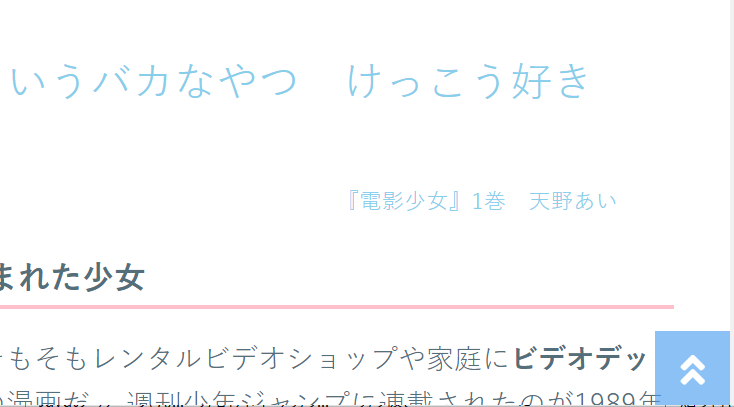
とりあえずHTMLとCSSで手軽に先頭に戻るアイコンを設置したい場合の方法
HTML部分
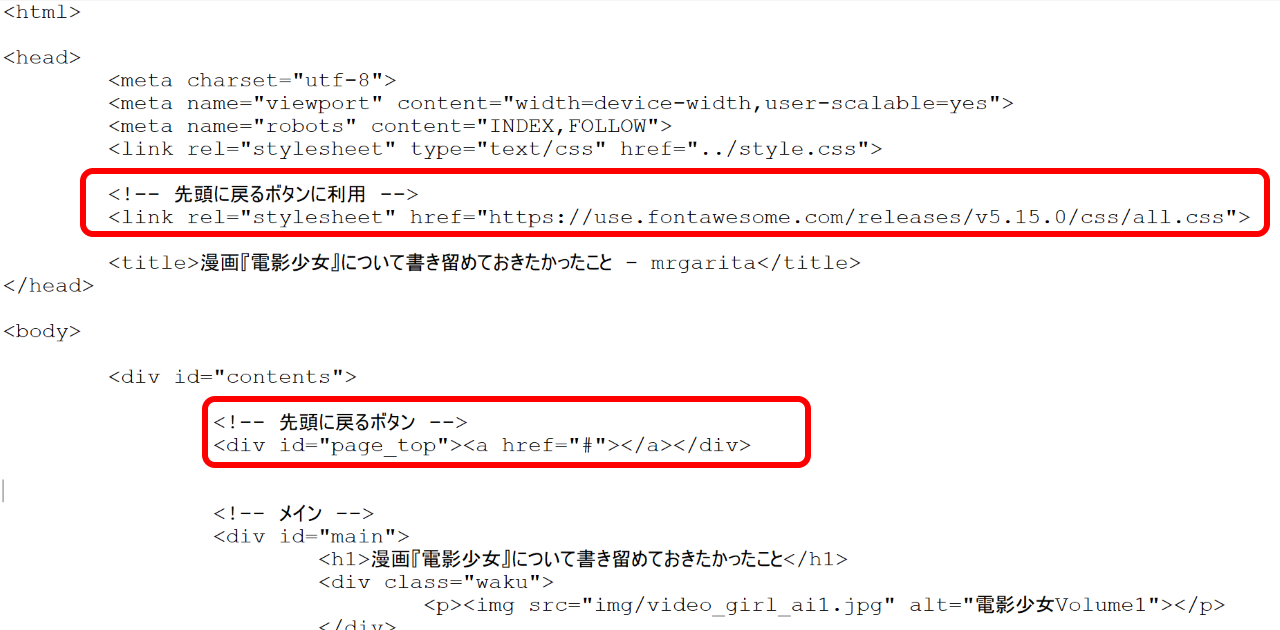
headタグ内に以下を記述(Font Awesomeを使う設定)
<link rel="stylesheet" href="https://use.fontawesome.com/releases/v5.15.0/css/all.css">
bodyタグの先頭(戻る位置あたりでOK)に以下を記述(これがボタン表示となる)
<div id="page_top"><a href="#"></a></div>
実際にHTMLファイルに記述した際のイメージ
CSS部分
利用しているCSSファイルの以下を記述
/* ページトップへ戻るボタン */
#page_top{
	width: 50px;
	height: 50px;
	position: fixed;
	right: 0;
	bottom: 0;
	background: #3f98ef;
	opacity: 0.6;
}
#page_top a{
	position: relative;
	display: block;
	width: 50px;
	height: 50px;
	text-decoration: none;
}
#page_top a::before{
	font-family: 'Font Awesome 5 Free';
	font-weight: 900;
	content: '\f84a';		/* 対象アイコンのFont AwesomeのUnicodeをコピー */
	content: '\f102';
	font-size: 25px;
	color: #fff;
	position: absolute;
	width: 25px;
	height: 25px;
	top: 0;
	bottom: 0;
	right: 0;
	left: 0;
	margin: auto;
	text-align: center;
}
参考にしたサイト

https://cotodama.co/pagetop/
cotodama.co

What's New in Version 5 | Font Awesome
Every icon, style, and feature added in Font Awesome 5, release by release.
fontawesome.com


コメント